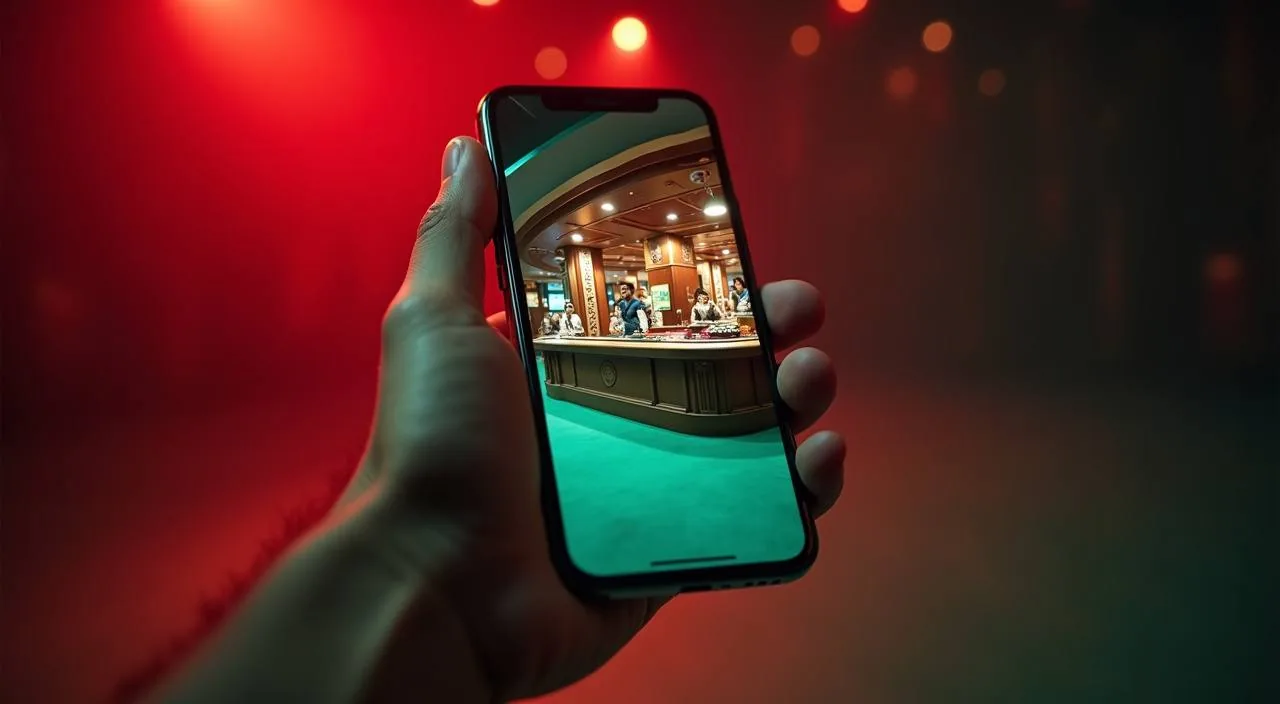
Open gv8889 directly in your mobile browser and reach the full lobby — slots, live tables, and cricket betting — without downloading anything. Your account, wallet balance, and session history stay in sync across every device you sign in from.
When you open gv8889 on your phone, the page loads a responsive layout built for smaller screens. Navigation sits at the bottom of the screen so your thumb reaches every section — lobby, account, wallet, and help — without scrolling back to the top. Game discovery works the same way it does on desktop: categories are listed across a horizontal rail, and tapping any title opens the game directly in the browser window. Your account page shows your current balance, recent activity, and the deposit routes configured for your region.
BROWSER FEATURE SNAPSHOT
Mobile Access Features Worth Knowing
Four things about the gv8889 mobile browser experience that matter for your daily use — from how the layout behaves to where your account data lives.
Responsive Layout
The lobby, account page, and help section all reflow to fit your screen width. Whether you are on a small Android handset or a larger device, the column count and font size adjust so nothing is cut off and every button stays tappable.
Account Continuity
Sign in on your phone and your balance, transaction history, and game progress are exactly where you left them from desktop. The account state is tied to your login, not your device, so switching between screens mid-week causes no data loss.
Game Discovery Rail
Slots from PG Soft, Spadegaming, Bigtime Gaming, and Joker are arranged in a horizontal swipe rail on mobile. Tap a cover to open the game; the lobby remembers your last category so you land in the right place on your next visit.
Help Access On-Screen
The support section loads inside the same browser session. You do not need to leave the lobby to reach account help or check published contact routes — the menu link is always one tap away from wherever you are in the site.
THREE STEPS TO START
Mobile Access in 3 Steps
Getting into the gv8889 lobby on your phone takes three straightforward steps through your browser — no app store visit required. First, open your preferred mobile browser and go to gv8889. Check that the address bar shows the correct domain before you do anything else; this protects your account credentials from lookalike pages.
Open the Site
Go to gv8889 in your mobile browser. Confirm the domain in the address bar before entering any account details.
Check Browser Compatibility
The site works on current versions of Chrome, Firefox, and Safari for Android and iOS. If the layout looks broken, try clearing your browser cache or switching to a different browser.
Sign In Securely
Enter your registered account credentials on the login screen. Use the published account recovery link if you cannot access your details.
Explore the Lobby
After login, the full lobby loads in your browser. Navigate by category rail or use the search field to find a specific title.
DEVICE COMPATIBILITY CHECK
Which Devices and Browsers Work
Before you settle in for a session, it is worth confirming your setup matches what the site currently supports. Here is what to check.
Android Browsers
Chrome for Android and Firefox for Android both render the gv8889 layout correctly on current releases. If you are on an older browser version, update it through your device's app store to avoid display issues.
iOS Browsers
Safari on iOS and Chrome for iOS are the two most common paths for iPhone and iPad access. The site layout adjusts to both. Older iOS versions may show minor rendering differences; check the published device guidance in the help section for the current supported range.
Screen Layout
The responsive layout is designed for screens from roughly 360px wide upward. Tablets load a wider column layout automatically. Landscape and portrait orientations both work; the navigation bar repositions to stay accessible.
Account Requirements
You need a registered gv8889 account to access the full lobby on mobile. Guest browsing shows the lobby structure but requires login before any game session or wallet action. Account registration is done through the same browser page.
Checking Supported Devices
The help section of the site carries the current device and browser guidance. If your device is not listed or you see an error on load, the support contact route in the help section is the right place to report it.
HELP FOR MOBILE USERS
Where to Get Help on Mobile
If something is not working as expected on your mobile browser — a login issue, a page that will not load, or a question about your account — these are the published routes to reach the gv8889 support team.
Live Chat
The live chat widget is accessible from the help menu inside the site. Open it from your mobile browser the same way you would on desktop. Use this route for account access questions, wallet queries, or anything that needs a quick response during your session.
Account Help Page
The account help section covers common mobile access issues: login errors, session timeouts, and browser compatibility steps. Check this page first before contacting support — most display and login issues have a documented fix listed there.
Contact Form
For issues that need a written record — such as a transaction discrepancy or a persistent login problem — the contact form in the help section lets you describe the issue and attach details. Response handling follows the schedule published on that page.
ACCOUNT SAFETY ON MOBILE
Keeping Your gv8889 Account Secure
Mobile browser access is convenient, but a few straightforward habits keep your account and wallet details safe. Here is what we recommend checking before and during each session.
Verify the Domain
Always confirm you are on gv8889 before entering your login details. The address bar is the single most reliable check. Bookmark the correct URL after your first visit so you do not rely on search results or third-party links to find the site again.
Review Published Device Guidance
The help section carries current information about supported browsers and known display issues. If your session behaves unexpectedly — slow loads, layout breaks, or a game that will not open — check the device guidance page before assuming an account problem.
Protect Your Credentials
Do not save your gv8889 password in a shared device's browser. Use a private browsing window if you are on a phone that other people also use. The site does not store payment credentials in the browser; your bKash or Nagad details are entered fresh each time through the wallet flow.
Use the Published Recovery Path
If you lose access to your account — forgotten password, locked session, or a device change — use the account recovery link shown on the login page. Do not share your account details with anyone claiming to offer recovery help outside the official site route.
COMMON ACCESS QUESTIONS
Questions About the gv8889 App and Mobile Access
Answers to the questions we hear most often from people accessing gv8889 on their phones.
Is there a gv8889 app available to download from the Play Store or App Store?
There is no separate app store listing for gv8889 at this time. The full lobby — slots, live tables, and sportsbook — is accessible through your mobile browser at gv8889. You can add the site to your home screen for quicker access without a store download.
Which mobile browsers work with gv8889?
Current versions of Chrome and Firefox on Android, and Safari or Chrome on iOS, all load the gv8889 layout correctly. If you see display issues, update your browser to the latest version or check the device guidance page in the help section for the current supported list.
Will my account balance and transaction history show correctly on mobile?
Yes. Your balance, deposit history, and session records are tied to your account login, not your device. Sign in on your phone and you will see the same wallet state you left on desktop. The account page loads this information directly after login.
Can I access my bKash or Nagad deposit history through the mobile browser?
Your deposit records are visible on the account page after you sign in. The wallet section shows recent transactions including bKash and Nagad activity for your account. If a transaction is missing or shows an unexpected status, use the contact form in the help section to report it.
What should I do if the gv8889 site does not load properly on my phone?
First, check that you are on the correct domain — gv8889. Then try clearing your browser cache or switching to a different supported browser. If the problem continues, the help section has a device compatibility page, and the live chat route is available for direct support.
Does gv8889 work on tablets as well as phones?
The responsive layout adjusts to wider screens automatically, so tablets load a broader column view of the lobby. Navigation and account access work the same way as on a phone. Both landscape and portrait orientations are supported without any manual adjustment needed.
 Live / Casino